WORLD CUP WATCH
Sign UpWorld Cup Fantasy Workspace
Upload your squad, track round-by-round scores, write notes, make captaincy decisions, set bench options, and review transfer outcomes in one mobile-first World Cup Fantasy workspace.
TOURNAMENT SCORES
View scores by stage
Track your World Cup Fantasy squad across the group stage and knockout rounds in one shared scoring view.
ROUND NOTE
Round Note Pending
This note will be added once the round record is complete.
Read Full Note
Scoring Key
- App
- Appearance points
- CS
- Clean sheet
- G
- Goal points
- A
- Assist
- SOT
- Shots-on-target bonus
- SV
- Save bonus
- SB
- Scouting Bonus
- GC
- Goals-conceded deduction
- OG
- Own goal
- Ded.
- Other deduction
- Bonus
- Other fantasy bonus
- DNP
- Did not play
Current squad reference
Round scores
Round Scores
SCORING XI
BENCH
TRANSFERS & CHIPS
Captaincy tool preview
Movable armband route
Click a numbered node to move the armband down the route.
CLICK A NUMBERED NODE TO MOVE THE ARMBAND
- Embolo
- Raphinha
- Wirtz
- Galíndez
- Oyarzabal
- Olise
- Kane
- Díaz
Embolo
Squad Comparison Mode — Squad comparison lets you review a possible transfer without changing the saved squad. Pick a player to transfer out, choose a replacement candidate, then compare the swap.
Transfer Setup
Pick the outgoing player from the squad list, the selector, or the grouped picker below. This only prepares a comparison and does not change the saved squad.
Transfer Workflow
- Pick Transfer Out
- Choose Transfer In
- Compare Transfer
Tap a squad row, use the selector, or choose from the visual picker to pick the player you are considering replacing.
Pick the outgoing player from the squad list, the selector, or the grouped picker below.
Select From Current Squad
Select a player row or choose a Transfer Out Player to inspect the outgoing-player details.
—
MD1: — / Awaiting Match Result
Selected Player Details
- Player Name
- —
- Team Code
- —
- Position
- —
- Price
- —
- Current Squad Area
- —
- MD1 Pts
- —
- Points Breakdown
- —
Transfer In Player
Source-backed replacement candidates will appear after you choose a Transfer Out Player.
Official FIFA Data
Checking official FIFA registry…
Official FIFA data may be stale. Refresh before making transfer decisions.
Official Data: — · — · — Players
Transfer Out selection controls which same-position alternatives appear here.
Select a Transfer In candidate to review the transfer decision.
Select a Transfer Out Player to view same-position replacement candidates.
Source-backed candidates are unavailable in this local view.
Transfer Decision
Transfer Decision Board
Select a Transfer Out player and a Transfer In candidate to review the transfer decision.
—
Reason: Decision label reflects mixed price, ranking, expert and official-data signals.
Evidence
RotoWire Rank Evidence
— —Expert / Ownership Evidence
— — — —Official FIFA Evidence
— — —Validation Checks
- Same Position
- —
- Duplicate Player
- —
- Position Route
- —
- Price Change
- —
- Budget Impact
- —
- Source Confidence
- —
- Readiness Reason
- Select both players to check transfer readiness.
CAPTAINCY TOOL
Movable Armband Route
This route shows the current order in which the armband can move through your available captaincy options as fixtures are played. Use it to decide whether to keep a captain score or move the armband to the next available option. Tap a route node to open captaincy details. Same-fixture clashes default to the higher-priced player, but can be adjusted from the detail sheet.
Captaincy candidates Route order
Available to add
Same-fixture alternatives must be chosen before that match locks. Later-route options remain available only before their own kickoff.

Round 1 Captaincy Story
Kane delivers the opening armband
Harry Kane celebrates after scoring for England against Croatia in Arlington. Kane scored twice as England won 4–2, making him my Round 1 World Cup Fantasy captaincy success.
Photo: Tony Gutierrez/AP
Image use note
Used here for non-commercial editorial commentary; no endorsement implied.
Round 2 Captaincy Story
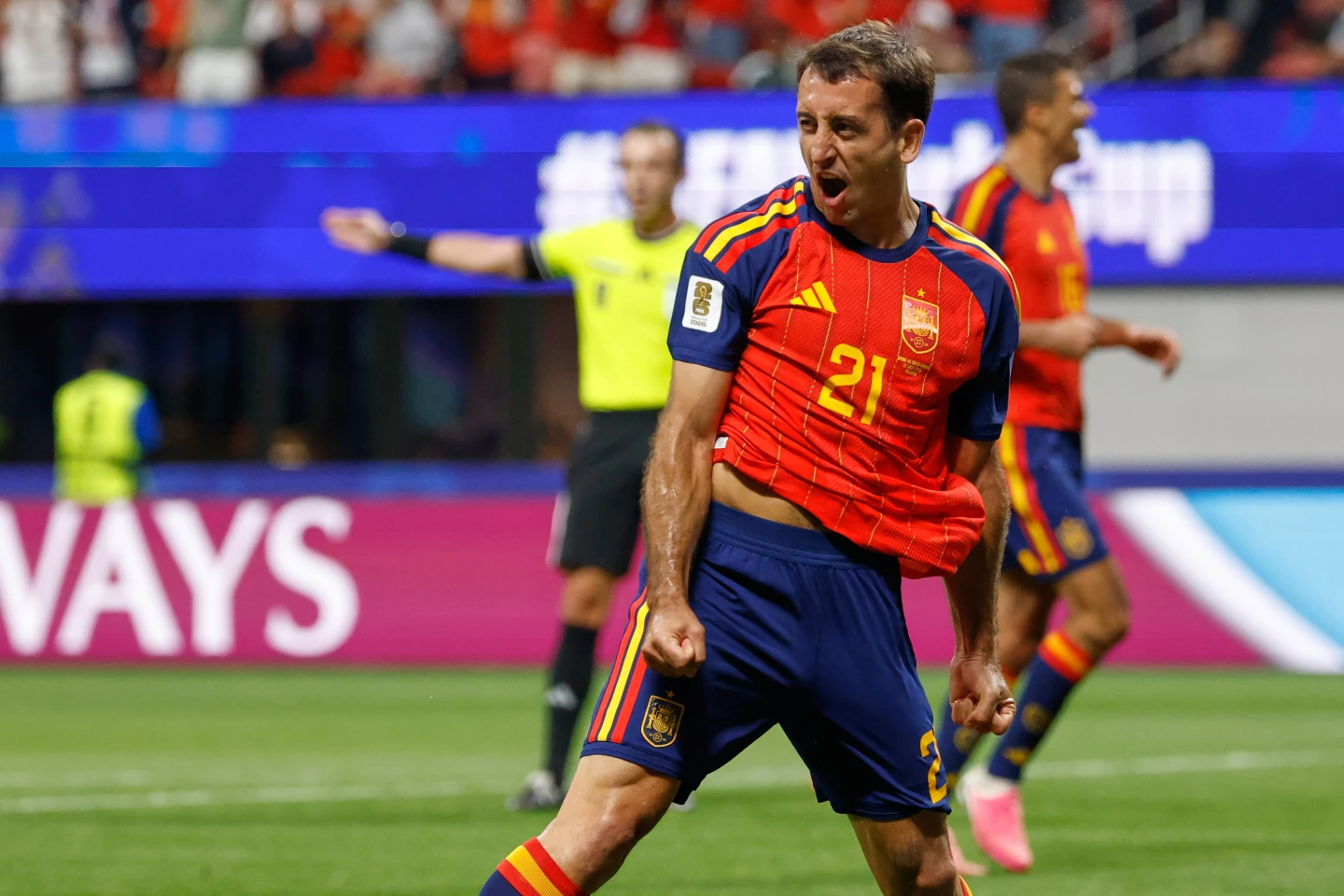
Oyarzabal powers the armband call
Mikel Oyarzabal celebrates after scoring against Saudi Arabia in Atlanta. Oyarzabal scored twice and assisted another as Spain won 4–0, making him my Round 2 World Cup Fantasy captaincy success.
Photo: Erik S. Lesser/AP
Image use note
Used here for non-commercial editorial commentary; no endorsement implied.
Round 3 Captaincy Story
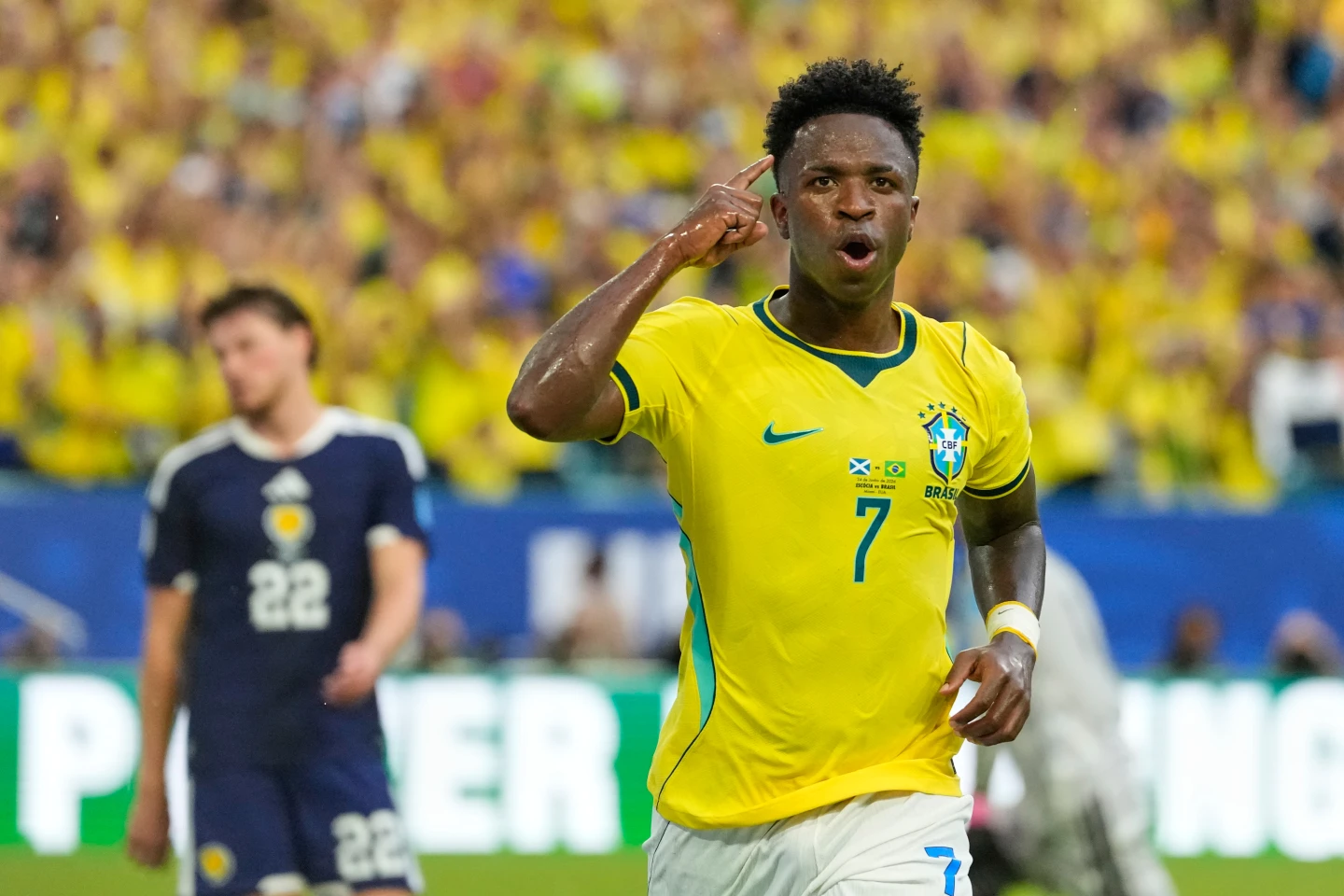
The missed armband
Vinícius Júnior celebrates after scoring Brazil’s second goal against Scotland in Miami Gardens. He scored twice in Brazil’s 3–0 win, but I missed the chance to captain him in Round 3.
Photo: Rebecca Blackwell/AP
Image use note
Used here for non-commercial editorial commentary; no endorsement implied.
ROUND OF 32 CAPTAINCY STORY
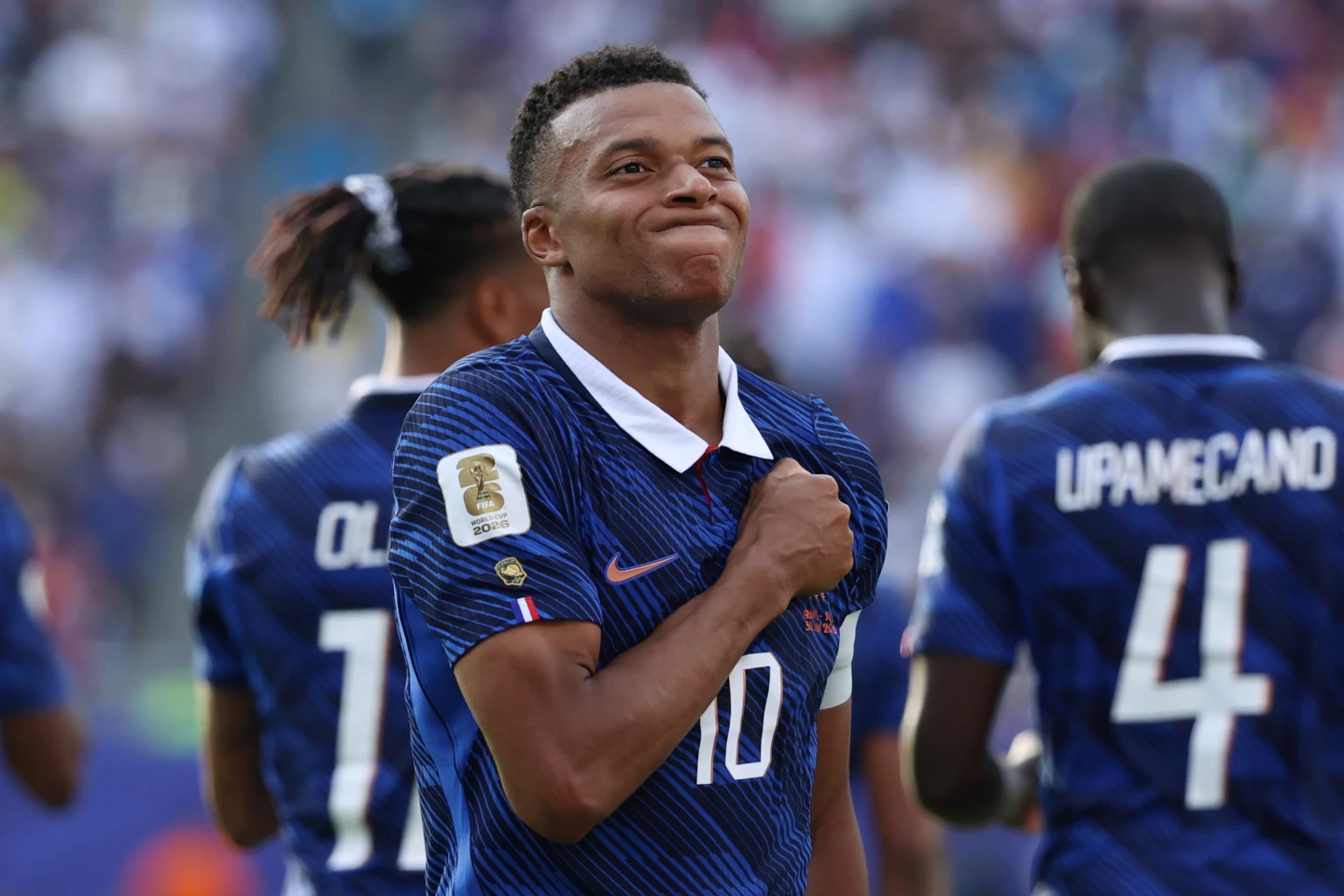
Mbappé carries the armband forward
Kylian Mbappé celebrates after scoring France’s third goal against Sweden in East Rutherford. Mbappé scored twice as France won 3–0, making him my Round of 32 World Cup Fantasy captaincy success.
Photo: Pamela Smith/AP
Image use note
Used here for non-commercial editorial commentary; no endorsement implied.
ROUND OF 16 CAPTAINCY STORY
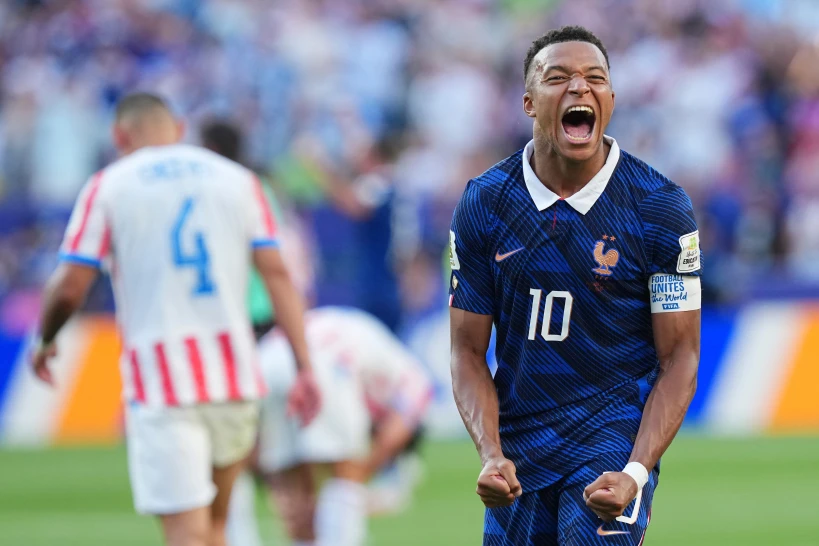
Mbappé keeps the armband alive
Kylian Mbappé celebrates France’s victory over Paraguay at the end of the Round of 16 match in Philadelphia. France advanced on his penalty kick, while his 9 fantasy points became my Round of 16 World Cup Fantasy captaincy return.
Photo: Martin Meissner/AP
Image use note
Used here for non-commercial editorial commentary; no endorsement implied.